

Server Actions vs API Routes in Next.js: Which One Should You Use?
When building a website or web application with Next.js, you often need to send information from the frontend to the server.
For example, when someone:
- Submits a contact form
- Creates a new account
- Places an order
- Updates their profile
- Makes a payment
Next.js provides two popular ways to handle these tasks: Server Actions and API Routes (Route Handlers).
Both help your application communicate with the server, but they work differently.
So, which one should you choose?
Let's understand the differences with simple examples.
What Are Server Actions in Next.js?
Server Actions are functions that run on the server and can be called directly from your Next.js application.
In simple words, they allow your website to send information to the server without creating a separate API endpoint yourself.
Example:
Imagine you have a contact form on your website.
A visitor enters their name, email address, and message. When they click Submit, a Server Action can process the information and save it to your database.
You don't need to build a separate API Route just for that form.

When Should You Use Server Actions?
Server Actions are a good choice when users interact directly with your website.
Common examples include:
- Submitting forms
- Updating account details
- Adding products to a shopping cart
- Creating or editing blog posts
- Deleting items from a dashboard
Simple rule: If an action starts from a form or button inside your own Next.js application, Server Actions are often the easiest option.
What Are API Routes in Next.js?
API Routes allow your application to receive requests through an HTTP endpoint.
In the Next.js App Router, these are called Route Handlers.
They are useful when other applications or services need to communicate with your server.
Example:
Imagine you run an online store.
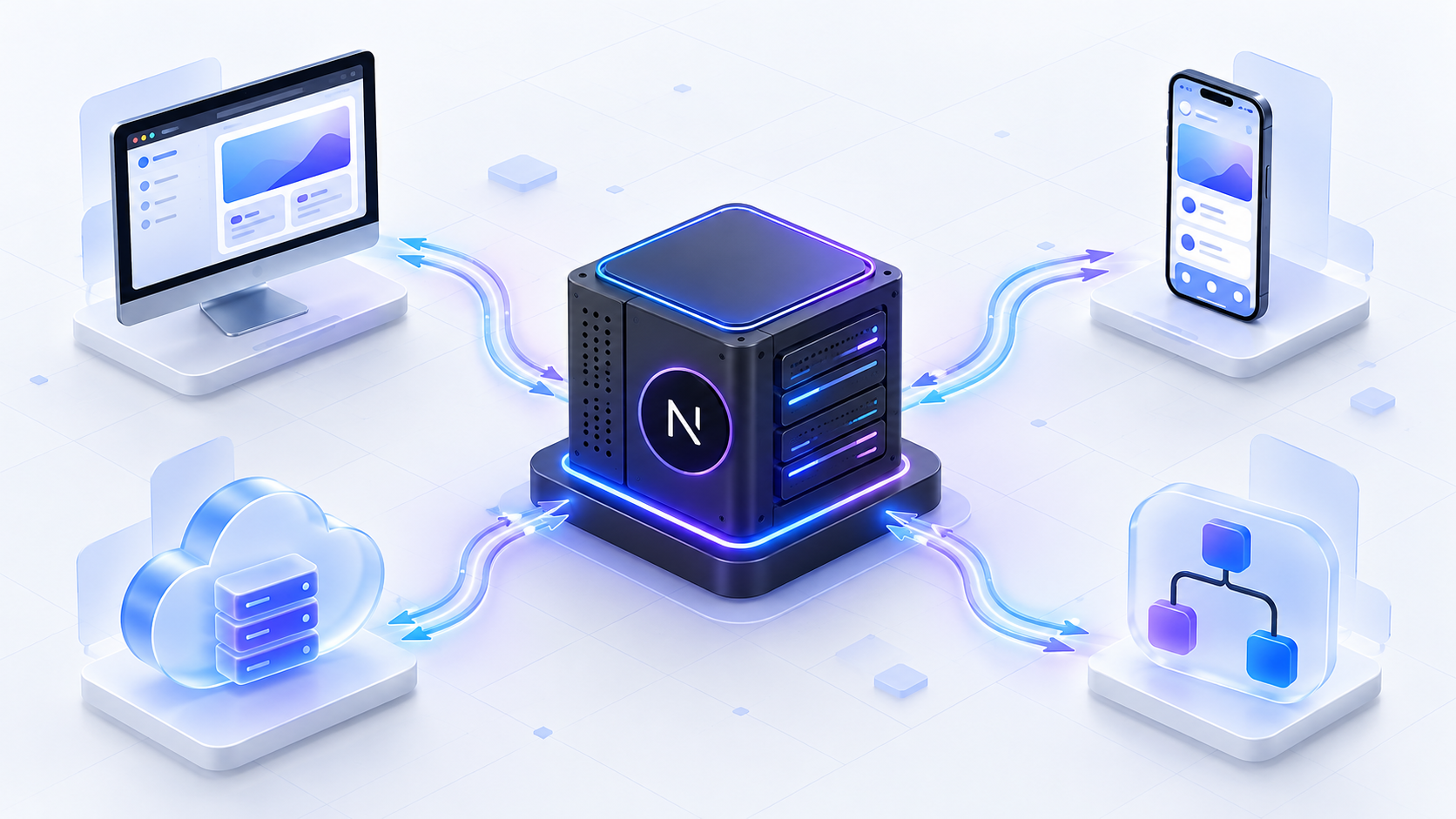
Your website allows customers to place orders, but you also have a mobile application where customers can shop.
Both applications need to send orders to the same system.
An API Route provides a shared endpoint that your website, mobile app, or other approved services can use.
When Should You Use API Routes?
API Routes are useful when your server needs to communicate with systems outside your website.
Common examples include:
- Mobile applications
- Third-party integrations
- Payment service notifications
- Public APIs
- Automated background tasks
- External business applications
Simple rule: If another application or service needs to access your server, an API Route is usually the better option.
Server Actions vs API Routes: Key Differences
Here's a simple comparison to help you understand both options.
| Feature | Server Actions | API Routes |
|---|---|---|
| Best for | Actions inside your website | External applications and services |
| Common example | Contact form | Mobile app connection |
| Separate API endpoint needed | No | Yes |
| Form submission without JavaScript | Supported | Requires a separate form-handling approach |
| HTTP response control | Limited | Full control |
| Public API development | Not recommended | Recommended |
| Streaming data | Not designed for general HTTP streams | Supported |
| Complexity | Usually simpler for UI actions | More flexible for integrations |
Both are useful. The best choice depends on what your application needs.
Are Server Actions Secure?
One common mistake is thinking Server Actions are automatically private because they run on the server.
That's not true.
Server Actions can be accessed through server requests, just like API endpoints.
This means developers must still protect them.
Every important server operation should include three security checks:
- Authentication: Check who is making the request.
- Authorization: Check whether that user is allowed to perform the action.
- Input validation: Check whether the submitted information is valid.
For example, someone should not be able to edit another customer's order simply by changing an ID in a request.
Whether you use Server Actions or API Routes, security checks are essential.
Can You Use Server Actions and API Routes Together?
Yes, and in many projects, this is the best approach.
Imagine you're developing an invoice management system.
Your website allows employees to create invoices. Later, your company launches a mobile application that also needs to create invoices.
Instead of writing separate invoice-creation logic for both applications, you can share the same backend function.
Here's how it works:
Step 1: Create one shared function
This function contains the main business logic for creating an invoice.
Step 2: Use a Server Action for your website
When an employee clicks Create Invoice, the Server Action calls the shared function.
Step 3: Use an API Route for the mobile app
When the mobile app sends a request, the API Route calls that same function.
Both options use the same business logic, helping avoid duplicate code.
This approach makes your application easier to maintain and expand.

When Should You Choose Each Option?
Let's look at some common situations.
Example 1: Contact Form
You're building a company website with a contact form.
The form is only used on your website.
Best choice: Server Action
It's simple and avoids creating an unnecessary API endpoint.
Example 2: Mobile Shopping App
Your business has a website and a mobile app.
Both need to access product and order information.
Best choice: API Route
It allows different applications to communicate with the same backend.
Example 3: Admin Dashboard
You're creating an internal dashboard where employees update records and manage users.
These actions happen directly inside your Next.js interface.
Best choice: Server Action
It's a convenient way to handle updates from your dashboard.
Example 4: Payment Webhook
You're using a payment provider that sends your application a notification when a payment succeeds.
Best choice: API Route
The payment provider needs a URL where it can send the notification.
Example 5: Live Data Streaming
Your application needs to send continuous updates, such as AI-generated responses or live event information.
Best choice: API Route
Route Handlers support HTTP streaming and give you better control over the response.
Which One Is Better for Your Next.js Project?
Neither option is better in every situation.
Server Actions are great for simple interactions inside your Next.js website.
API Routes are better when you need external integrations, public endpoints, or more control over HTTP requests and responses.
For many modern applications, using both together is the smartest approach.
The important part is keeping your main business logic separate, so it can be reused when your application grows.
Final Thoughts
Choosing between Server Actions and API Routes doesn't have to be complicated.
Remember this simple guideline:
Use Server Actions for actions inside your Next.js website. Use API Routes when external applications or services need to communicate with your backend.
With the right structure, your application becomes easier to maintain, more flexible, and better prepared for future growth.
Not sure how to structure the backend of your Next.js app?
Explore our Web Application Development services or book a call, and we'll help you choose the right approach.