

Most developers use TypeScript like JavaScript with extra features. It helps catch spelling mistakes, incorrect property names, and basic errors.
But TypeScript can do much more.
When used properly, it can help prevent bugs before your application goes live.
Here are 5 simple TypeScript patterns we use when building reliable web applications.
1. Check Your Data Once, at the Start
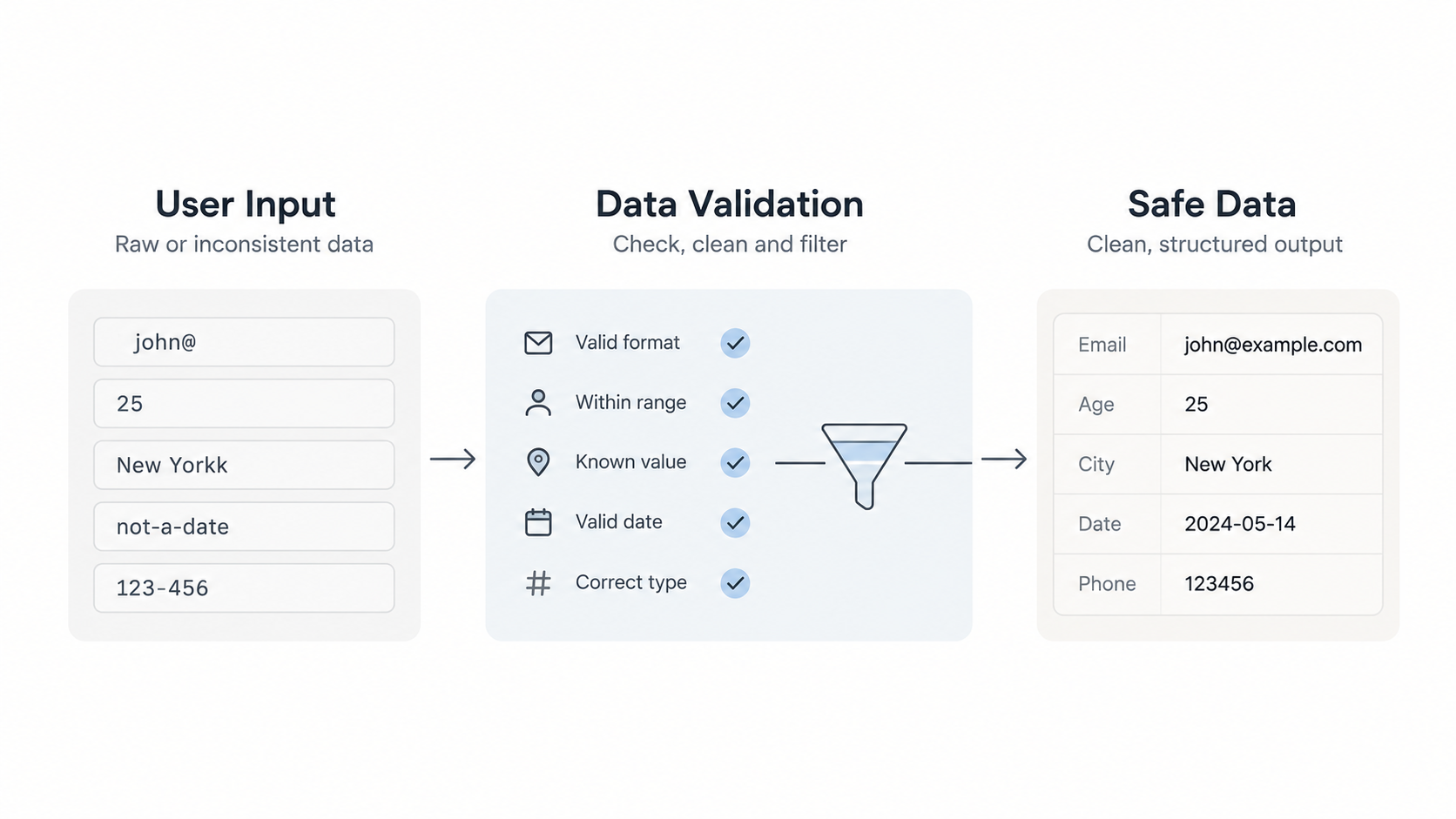
When data comes into your application, you need to make sure it's correct.
Instead of checking the same data again and again, check it as soon as it enters your system.
For example, you can use Zod to check a user's email and age.
import { z } from 'zod'

const UserInput = z.object({
  email: z.string().email(),
  age: z.number().int().positive(),
})

type UserInput = z.infer<typeof UserInput>
Once the data has been successfully checked, the rest of your application can safely use it.
Why it matters: You avoid repeating checks and reduce the chances of working with incorrect data.
When to use it: For forms, API requests, payment webhooks, and information coming from other services.
2. Give Different IDs Different Types
Imagine your application has users, orders, and products.
Usually, their IDs are stored as strings. But this can create problems.
For example, you might accidentally send an order ID to a function that needs a user ID.
TypeScript may not catch that mistake if both IDs are simple strings.
A better approach is to give each ID its own type.
declare const brand: unique symbol

type Brand<T, B> = T & {
  readonly [brand]: B
}

type UserId = Brand<string, 'UserId'>
type OrderId = Brand<string, 'OrderId'>

function toUserId(value: string): UserId {
  return value as UserId
}
Now TypeScript can help prevent you from mixing up different IDs.
Why it matters: It reduces mistakes when working with users, orders, payments, and database records.
When to use it: In applications with multiple types of IDs.
3. Use Clear States Instead of Multiple Booleans
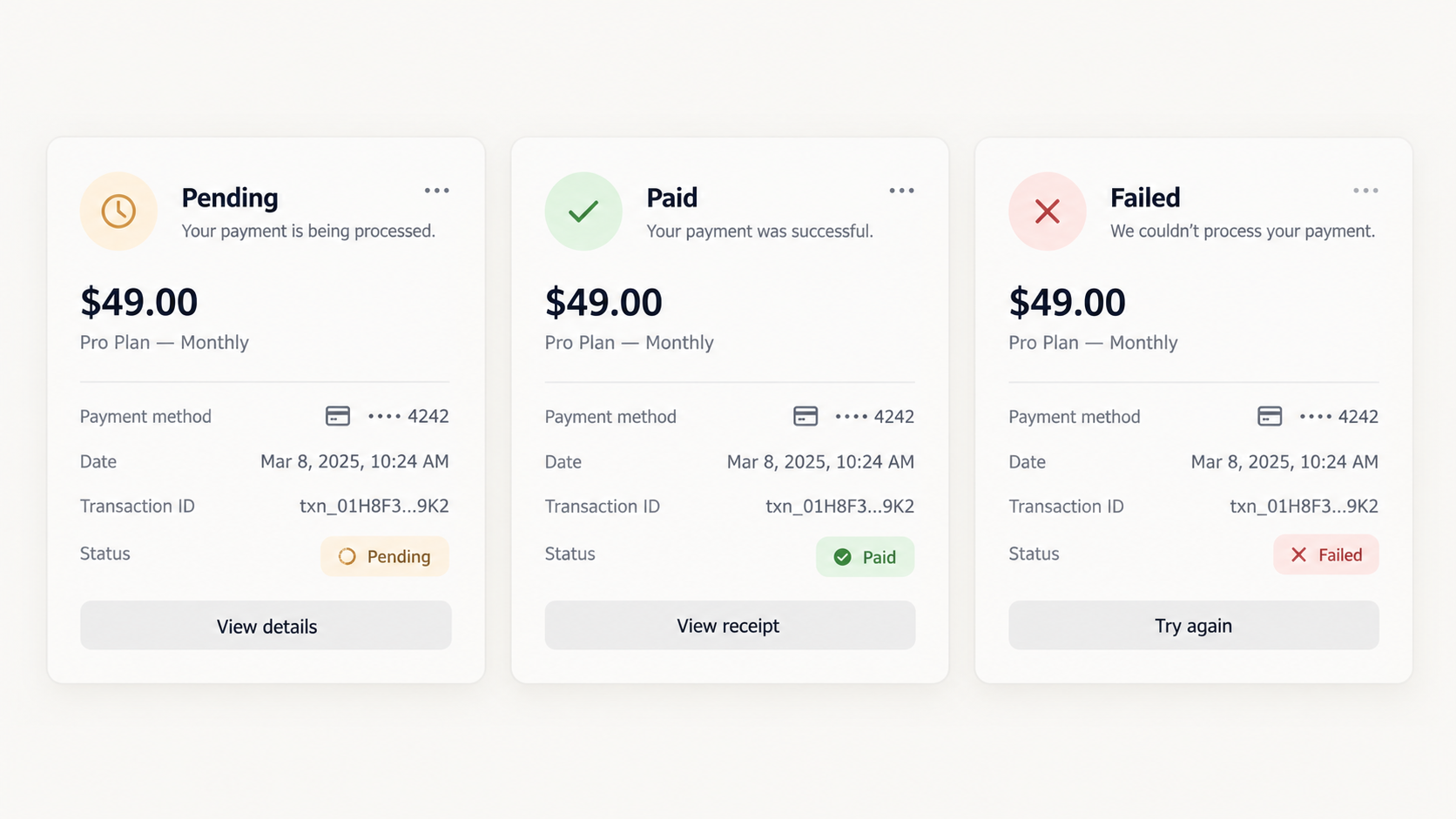
Let's say you're building a payment system.
A payment can be:
- Pending
- Paid
- Failed
You could track these using multiple true/false values, but that can quickly become confusing.
Instead, define the possible states clearly.
type PaymentState =
  | { status: 'pending' }
  | { status: 'paid'; paidAt: Date }
  | { status: 'failed'; reason: string }
Now your application knows exactly what information belongs to each payment state.
For example, a successful payment has a payment date, while a failed payment has a reason.
Why it matters: Your code becomes easier to understand, and you avoid impossible combinations of states.
When to use it: Payments, order tracking, loading screens, and approval processes.
4. Use satisfies to Check Your Settings
Sometimes you want TypeScript to check an object without changing how it understands the object's values.
That's where satisfies is useful.
const routes = {
  home: '/',
  insights: '/insights',
  pricing: '/pricing',
} satisfies Record<string, `/${string}`>
This tells TypeScript that every route must start with /.
If you accidentally write pricing instead of /pricing, TypeScript will show an error.
At the same time, it keeps the exact values of your routes.
Why it matters: You can catch configuration mistakes early without losing useful type information.
When to use it: Website routes, settings, configurations, and fixed data.
5. Handle Expected Errors Clearly
Not every failure is an unexpected problem.
For example:
- A customer's payment gets declined.
- Someone tries to register with an existing email.
- A user reaches an API request limit.
These situations can happen during normal application use.
Instead of relying only on exceptions, you can return a clear success or failure result.
type Result<T, E> =
  | { ok: true; value: T }
  | { ok: false; error: E }

async function charge(
  customerId: UserId,
  amount: number,
): Promise<Result<Receipt, 'declined' | 'network'>> {
  // Payment logic
}
Now the code using this function can check whether the payment succeeded before using the receipt.
Why it matters: Errors are easier to handle, and important failures are less likely to go unnoticed.
When to use it: Payment systems, user registration, API requests, and other important business processes.
Do You Need All 5 Patterns Everywhere?
No.
A small project or simple script doesn't need complicated code.
But when you're building something important, especially a system that handles payments, user accounts, or sensitive data, these patterns can make a big difference.
The goal isn't to write more TypeScript.
The goal is to write safer, clearer code that is easier to maintain.
Final Thoughts
Fixing bugs after launching a product can take much more time and money than preventing them during development.
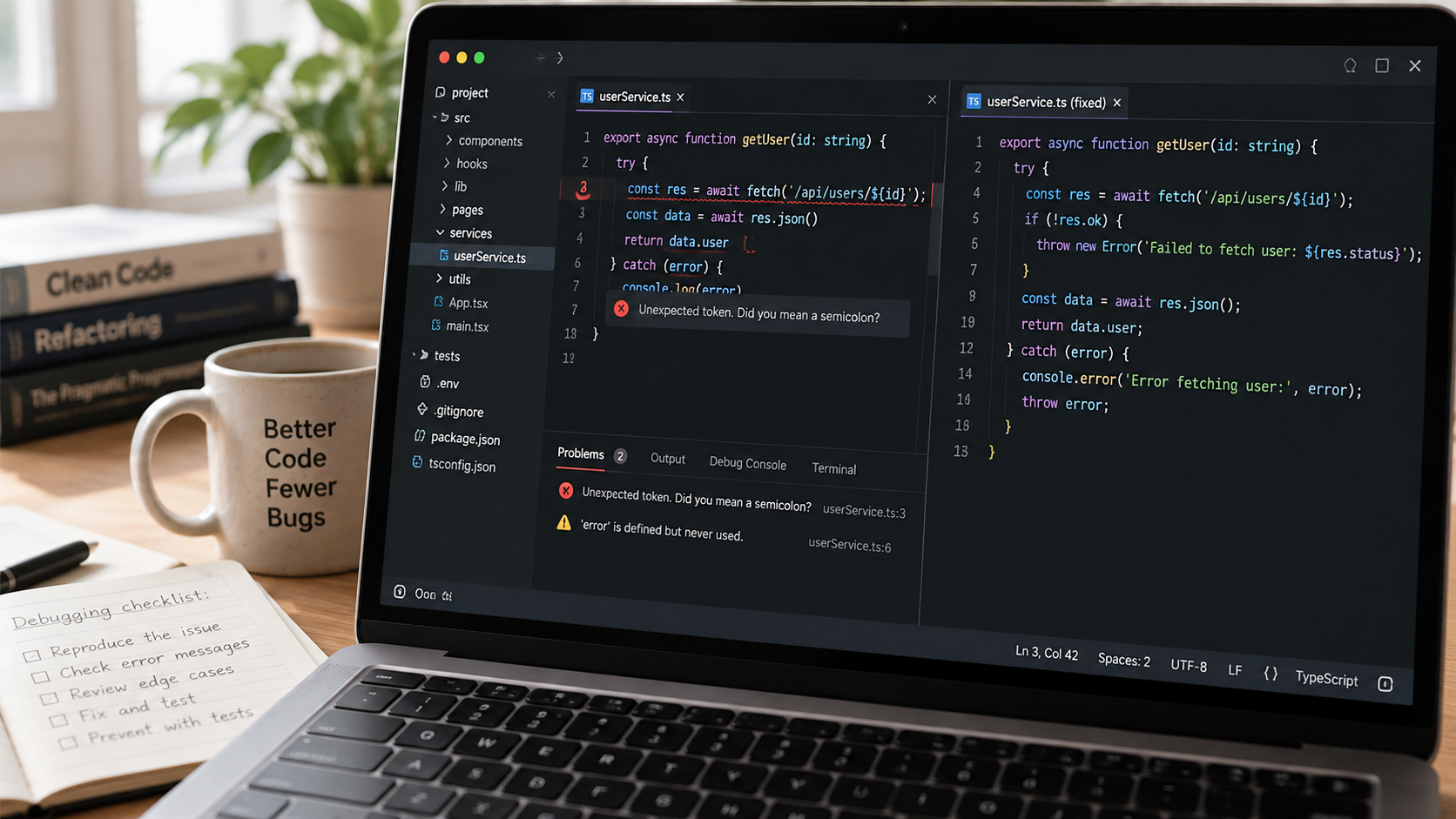
These five TypeScript patterns help developers:
- Catch mistakes earlier.
- Write cleaner, more reliable code.
- Handle errors properly.
- Make future updates easier.
- Reduce unexpected production issues.
At our company, we focus on building web applications with a strong foundation from the beginning.
We use TypeScript across the application, from the database to the user interface, to help identify problems before they reach real users.
Planning to build a reliable web application?
Explore our Web Application Development services or book a call to discuss your project.